
Local profile & preferences
Set a currency, opening balance and display name. Choose light or dark appearance.
PRODUCT TOUR / C3.0 RELEASE CANDIDATE
A closer look at the release candidate. The screenshots below show an earlier fictional demo for illustration; current screens may differ.
View cumulative P/L, daily drawdown, monthly performance and outcome counts. Filter by date, team, league and strategy label. Export results as CSV.
Fixture and team profiles describe your observed records, not a complete football results feed.
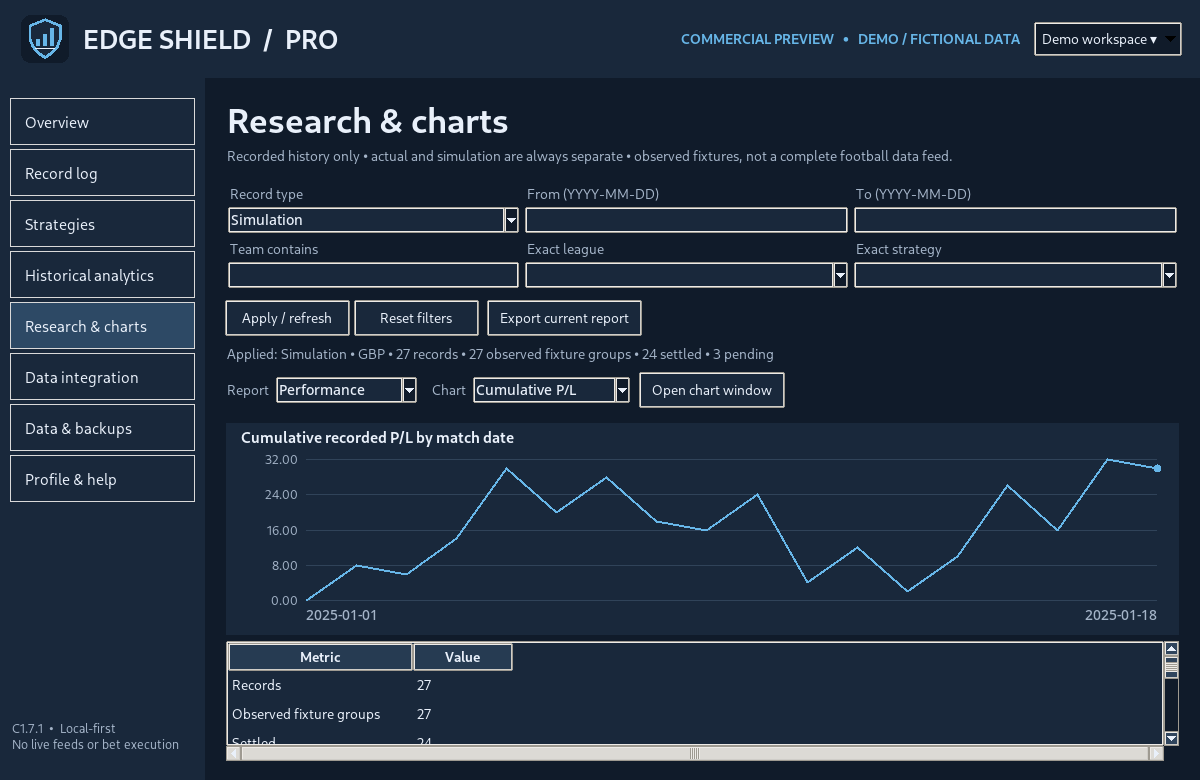
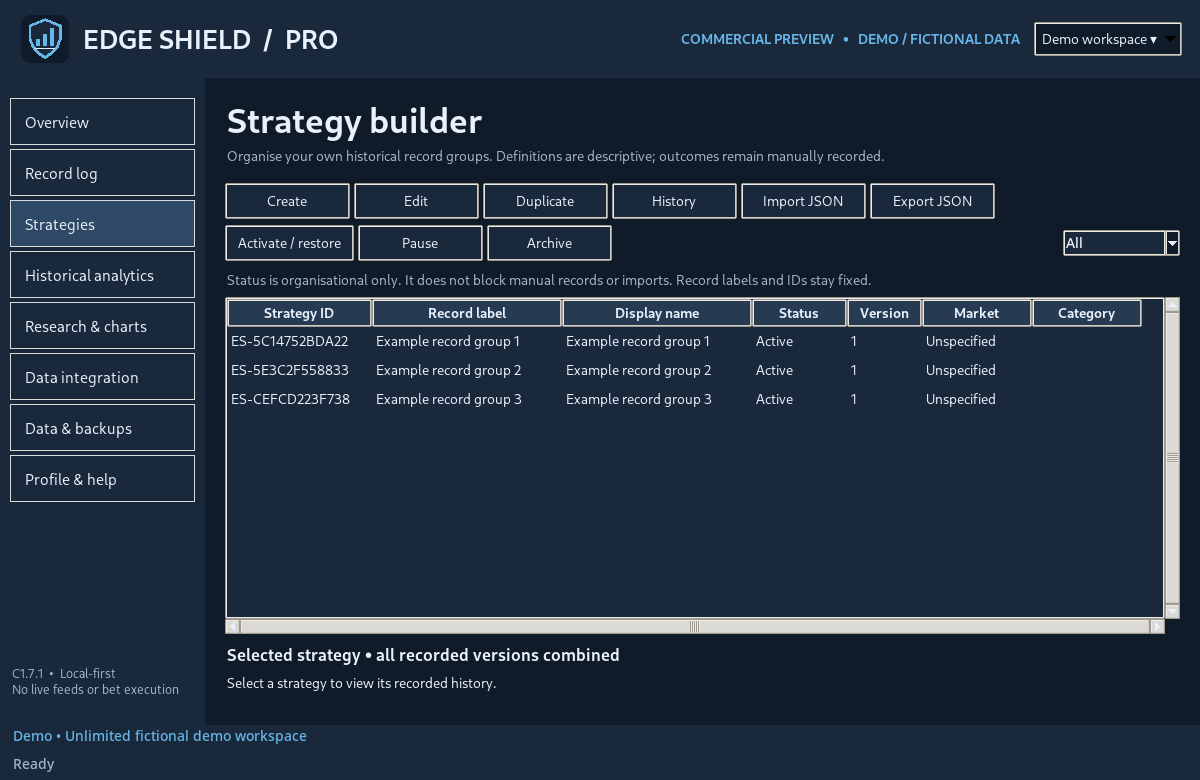
Organise descriptive strategy definitions and use the Historical Strategy Lab to examine customer-defined filters and recorded outcomes. Research results stay separate from actual and simulated records.
No automated strategy execution, betting recommendations or automatic settlement.
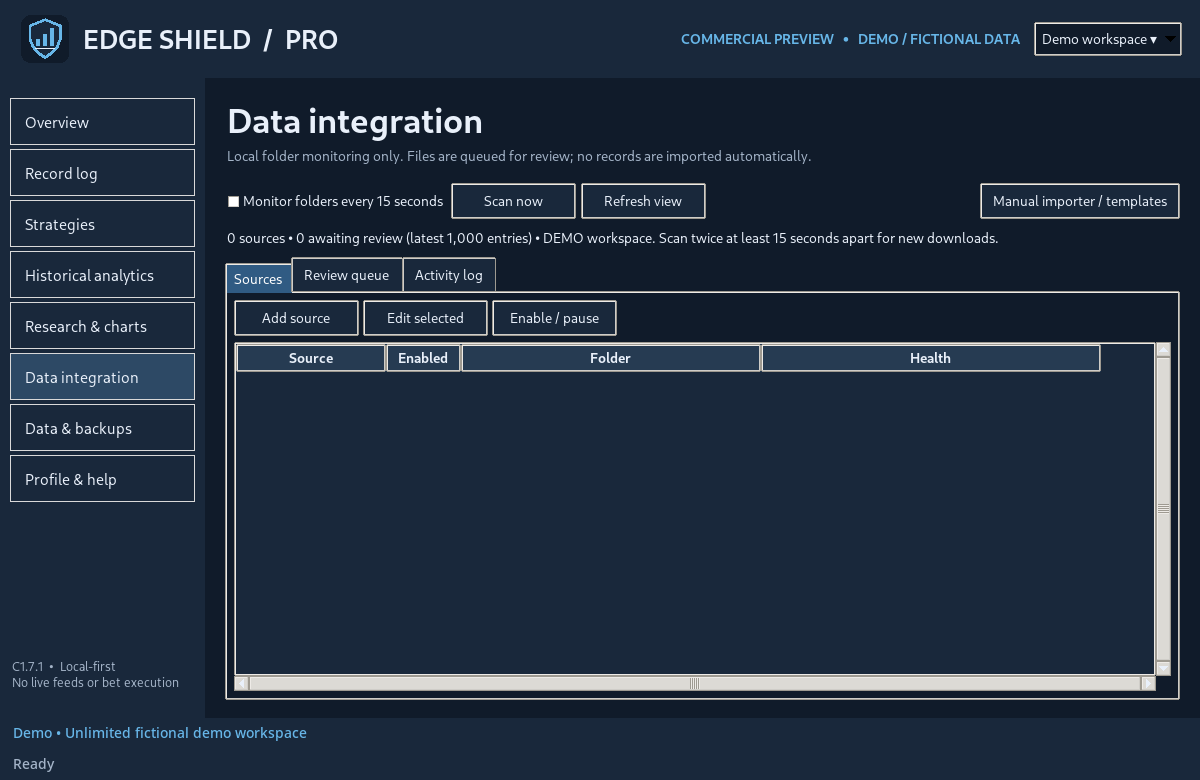
Use CSV and XLSX files, saved column mappings and configurable monitored folders. Review imports and conflicts before approval. Optional automatic importing is limited to simulation history.
Requires stable source references. Formula cells must be converted to values. The desktop app must be running for monitoring.
Set a currency, opening balance and display name. Choose light or dark appearance.
Create verified local database backups, rehearse recovery in a temporary copy, export records and access the offline guide. Live restoration is not automatic.
Activate using a signed installation-specific licence file. Compatible signed local update packages are supported; native update and rollback testing and installer code signing are still pending.
Keep source datasets apart from financial records. Review updates and duplicate references.
Record deposits, withdrawals, reversals and manually reported account snapshots. No bookmaker connection or automatic settlement.
Review incoming JSON files or optional loopback-only alerts before saving a record. Direct cloud delivery is not included.
Historical record keeping and research only. No predictions, betting recommendations or execution.